
Photography & Imagery in web design
More than ever, visual content is booming. From Instagram posts to Pinterest boards to Snapchat – we see, we share and we consume content all day long and everyone is a photographer.
With an estimated 1.72 trillion photos expected to be taken in 2022 alone it has never been more important for your business to have the compelling visuals that it deserves. Without the right images on your website, you could be missing opportunities to capture your audience’s imagination, engaging your customers and keeping them coming back to your site.
Correct use of images and video will influence the tone of a website and the story it needs to tell, this will make a huge difference to the impact that a site can have and if used correctly, will help to tell the audience what the site is about.
Quality is key
Make sure the images you choose are high quality and relevant to your content, with even budget phones now able to produce stunning high resolution images there is just no excuse for poor quality imagery on a website. Those old, blurry and poorly-chosen images will reflect badly on your website and this could have a massive impact on your brand.
If you have a photograph that speaks perfectly to your audience but is low quality, then there are ways to enhance these images. We now provide a service that will upscale your old photographs to a surprising effect that will make them suitable for the modern web experience. Take a look at these two images. You can see that the original is bad quality and seems unusable, but the second image, the exact same photograph no less, is not only enlarged, but also enhanced and more than suitable for use. Amazing, huh?
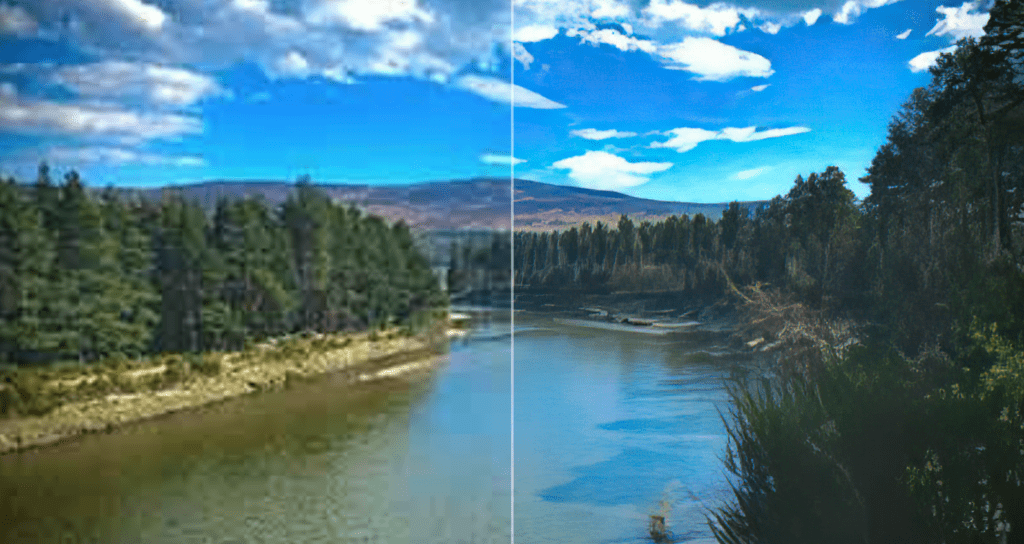
Comparison of an image that we have enhanced and enlarged x4
Make sure your images compliment your site.
It isn’t just about the quality of the images used on a website, the photos and illustrations chosen to represent your brand should not be an afterthought. It is so important and helpful, not only for the brand, but for the web designer to get an idea of the kind of images that will be used. This helps with the way a site is to be styled.
Why not compare these sites to see how they use images in different ways, all to great effect:
drinkpoppi.com uses images in such a bold way that they are integral to the site and changing up the style of images used would alter the site drastically.
On the other hand brewbike.com has a more traditionally lay out, where text and images are very clearly demarcated as separate entities. Changing up the images to freshen up the site will not affect how the website performs or looks.
With fluopaperco.com/printstudio, they have taken things in a different direction. Instead of thinking of videos and photographs as separate from each other, they have used videos as living photographs and incorporated them within the site, making them an integral part to the overall design aesthetic. The site populates these short form video loops alongside static images to great effect, and really brings the whole site to life perfectly.
Improve your photos
We understand you may not have a high-quality digital camera, however, that doesn’t mean you can’t still take high-resolution photos with your phone. Here are three tips to improve the quality of the images you take on your mobile.
1. Change how you hold your phone
Don’t be afraid to change the game and move into different positions to improve the angles and focus of an image. Get low to the ground to make things look gigantic. Have a high camera angle to achieve the opposite. Move to the side, twist your phone, draw people’s eyes through the photo and use any position you need to get the image you want.
2. Change the camera mode
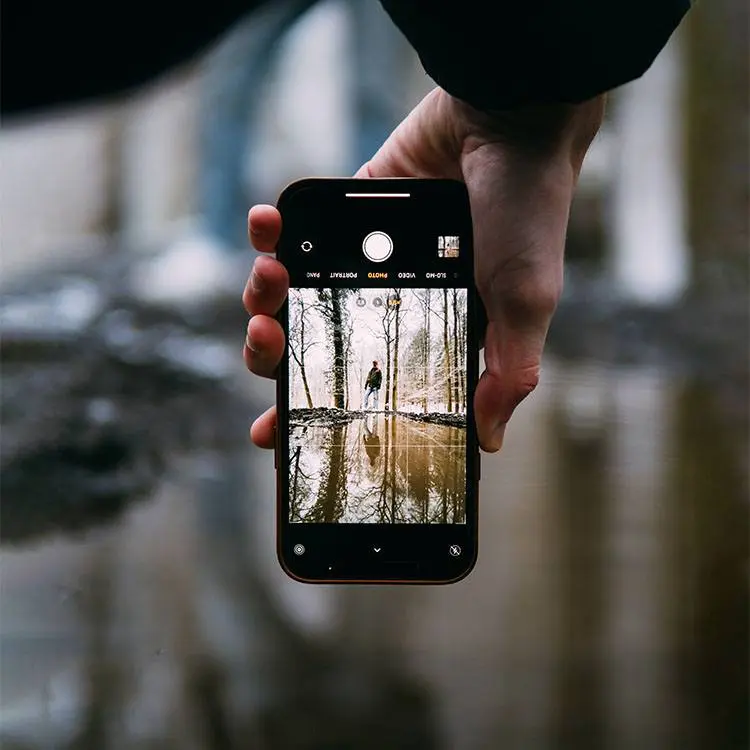
Modern phone cameras come with an abundance of camera modes to help you capture your perfect image. These modes use AI intelligence to help improve lighting, focal point and colouring. Some of our favourites are Portrait and Panoramic modes.
Portrait mode will identify the focal point in the photo and highlight details of the subject while adding a blur to the background, which helps draw attention to the desired focal point.
Panoramic is a great mode to play around with. While it can be great to create silly photos, it can also extend the view and create wide, or long, dynamic shots. Combine panoramic with a subject, who can stand very still (that is me out then!), and you get a dynamic photo with a brilliant subject and stunning background.
3. Have a clean background
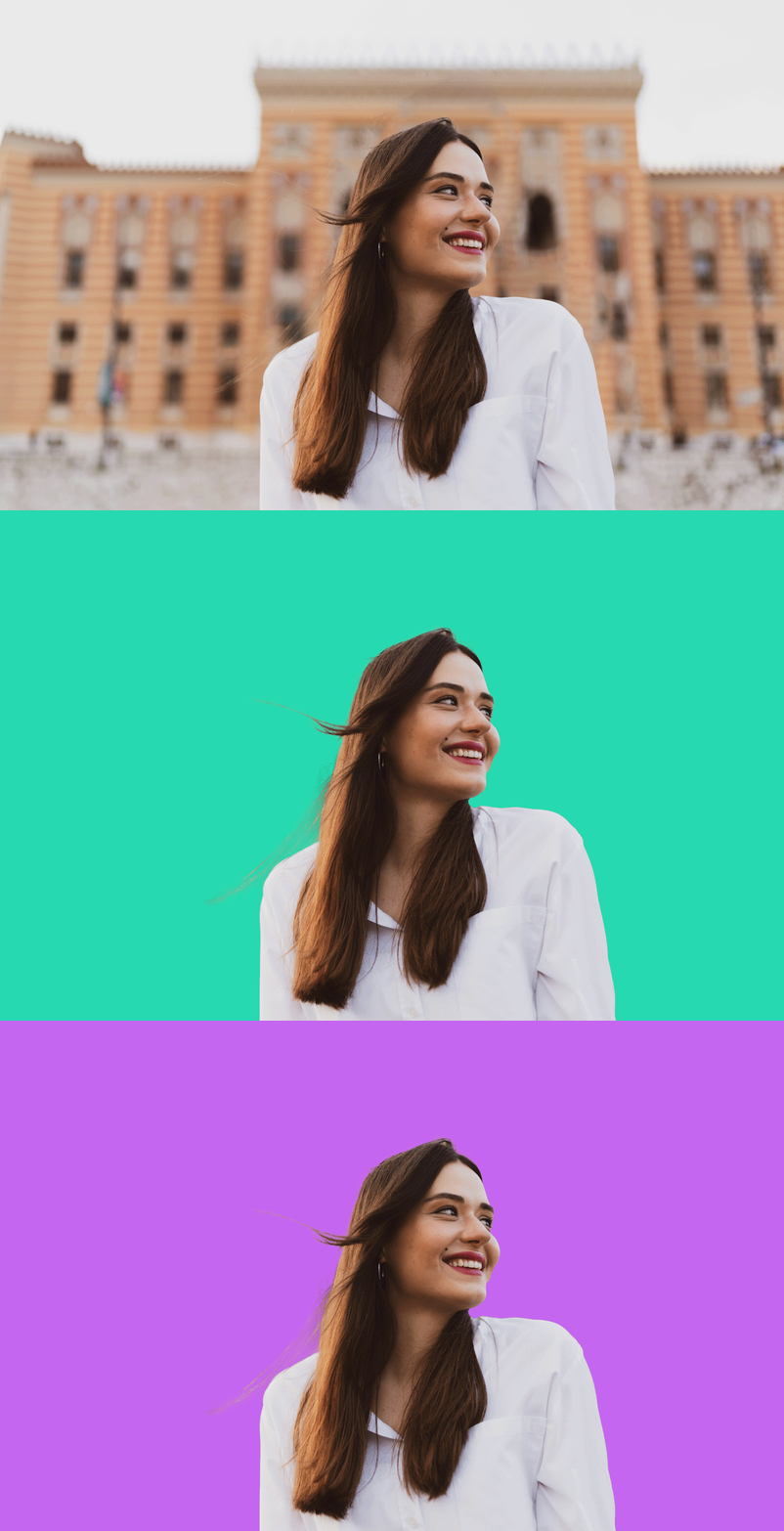
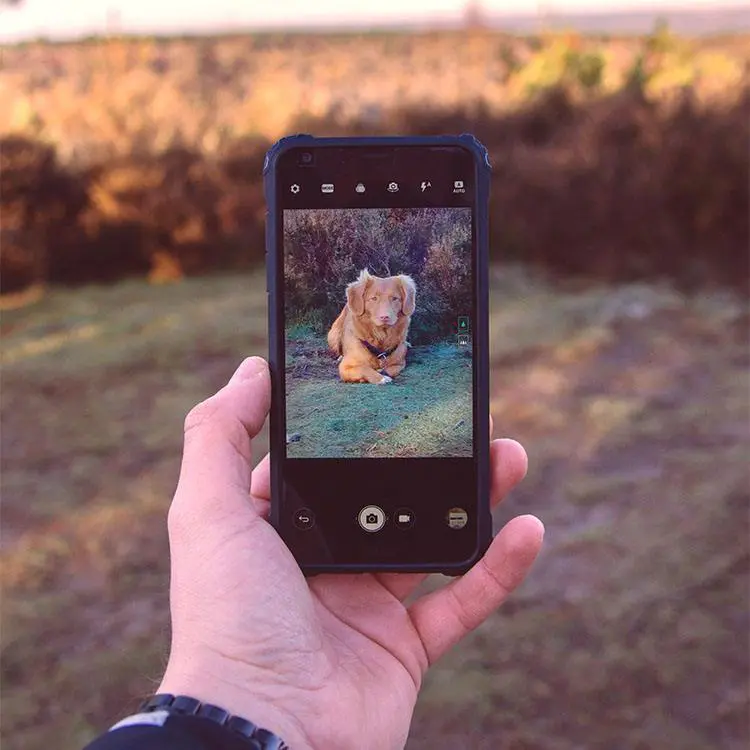
If you want a subject cut out and placed onto a transparent background, the background of your photograph must be clean and not cluttered. Having a simple backdrop with nothing close to the subject can make it easy to mask and create a sharp, transparent image to use anywhere on your site.
We will happily do the hard work and cut subjects out of images for you to use on your site. All that we would require is an image of your subject with a clean, simple background.

Bonus Tip – Make sure your camera lens is clean. No one wants that one off amazing shot, complete with fingerprints and smudges over them!
Conclusion
Imagery really can make or break a site, and even a perfectly executed site could be brought down if it is populated with poorly thought out images that do not compliment the site. On the other hand, even the simplest of sites can be enhanced when teamed with the right images.
Get in touch with us today and we can help create the perfect site for you, complete with amazing photos wizardry to show off your business.