

How to decipher HTTP – the secret language of the web.
HTTP404. We have all seen this wee code, and we have probably all gotten pretty annoyed with it at some point. Sometimes you just feel they are a http:406. (Not acceptable, if you aren’t HTTP fluent – also see cute mortified doggo below). But what are all these HTTP codes and what in the world wide web is HTTP?!
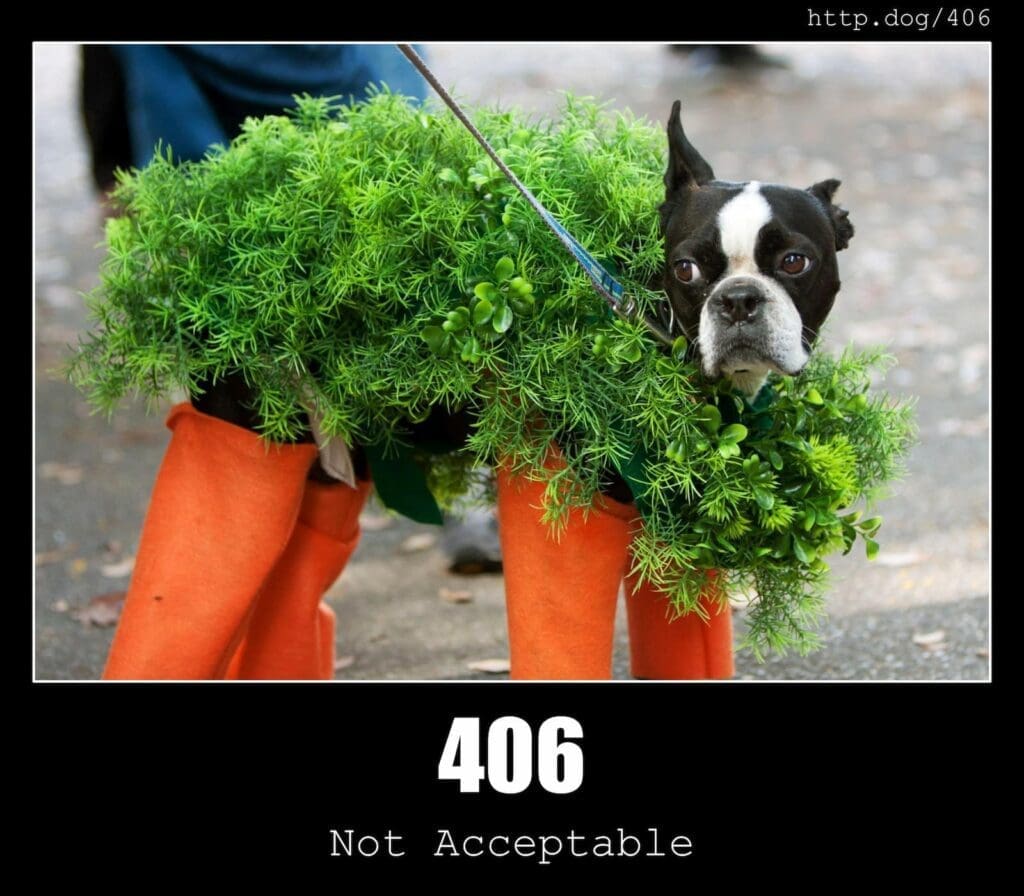
First of all, make yourself a cup of (H)Tea(TP) and get comfy. So, what is HTTP?
It stands for Hypertext Transfer Protocol, and then we have HTTPS, Hypertext Transfer Protocol Secure. HTTP is used to send data between a web browser (Google, Firefox etc) and a website (Yellow Cherry.uk for a lovely example!) HTTP is the primary protocol and HTTPS is extra secure because the data is encrypted.
What is a protocol I hear you say, well you might know it better as a Secure Sockets Layer (SSL) or Transport Layer Security (TLS). This protocol uses a type of security key system to encrypt the communication between the private key and the public key. This is like the blue tick on twitter, the SSL Certificate verifies that the provider is exactly who they state to be.
The Private key is what is controlled by the owner of a website and is, yup, you guessed it, private. This is found on the web server and decrypts the information that comes from the public key. The public key is not quite so private and is available to anyone who wants to securely interact with the web server. Any infomation on the public key can only be decrypted by the private key.
When you connect to a web page, the public key is sent via the SSL Certificate and this starts communication between the server and visitor, this ensures a secure connection.
HTTPS is used with more sensitive information, like your emails, Doctors, Online Banking, Insurance etc. In fact, any website that requires a log in should be using HTTPS, keeping your data nice and private. Most browsers will show you when a website is not using HTTPS, by flagging up a ‘not secure’ notice. You can check this by looking for a padlock in the URL bar at the top of the page, clicking on it and this will let you know that the site, and therefore your personal data, is as safe as houses. Although, don’t quote me on that as cyber attacks could technically happen to any site.
Do we really need to be concerned if a website isnt secure?
Generally, absolutely yes! Well, to be fair, it depends on what you are doing and where you are doing it. Using free public WiFI? This is where regular HTTP is used , meaning your data is pretty easily intercepted by someone with the right tools (and bear in mind that these tools are free and accessible to anyone). Why? Well, it is because HTTP uses plain text to communicate, whereas encrypted HTTPS data will be seen as utter nonsense by someone or something trying to intercept the data.
So, really it is no wonder that you get bombarded with advertising popping up when you are using free WIFI. It isn’t just a coincidence. HTTPS is like an online superhero, blocking unwanted third party advertising from unsuspecting internet users.
Don’t worry, if you are just using free WIFI to check the weather, then it is unlikely your information will be compromised. I wouldn’t advise checking your bank balance on free WIFI though…
Now that we have the main jargon out of the way, lets get into the best bit.
The HTTP error codes.
These are essentially a message from a server to the browser, letting it know if the request can be carried out and more often than not, the computer says no. I can guarantee that you have come across the ‘http 404 page not found’ error at some point in your internet life.
The three digit http error codes are split into 5 different categories and the first number will let you know what the error is generally about, the other 2 digits will give you the full picture. So, in a nutshell, the 5 categories (complete with pictures of fluffballs) are :
http 100+ gives you infomation. The server has received your request but the site isn’t finished thinking about it yet.

http 200+ means it has successfully completed something and who doesn’t love success.
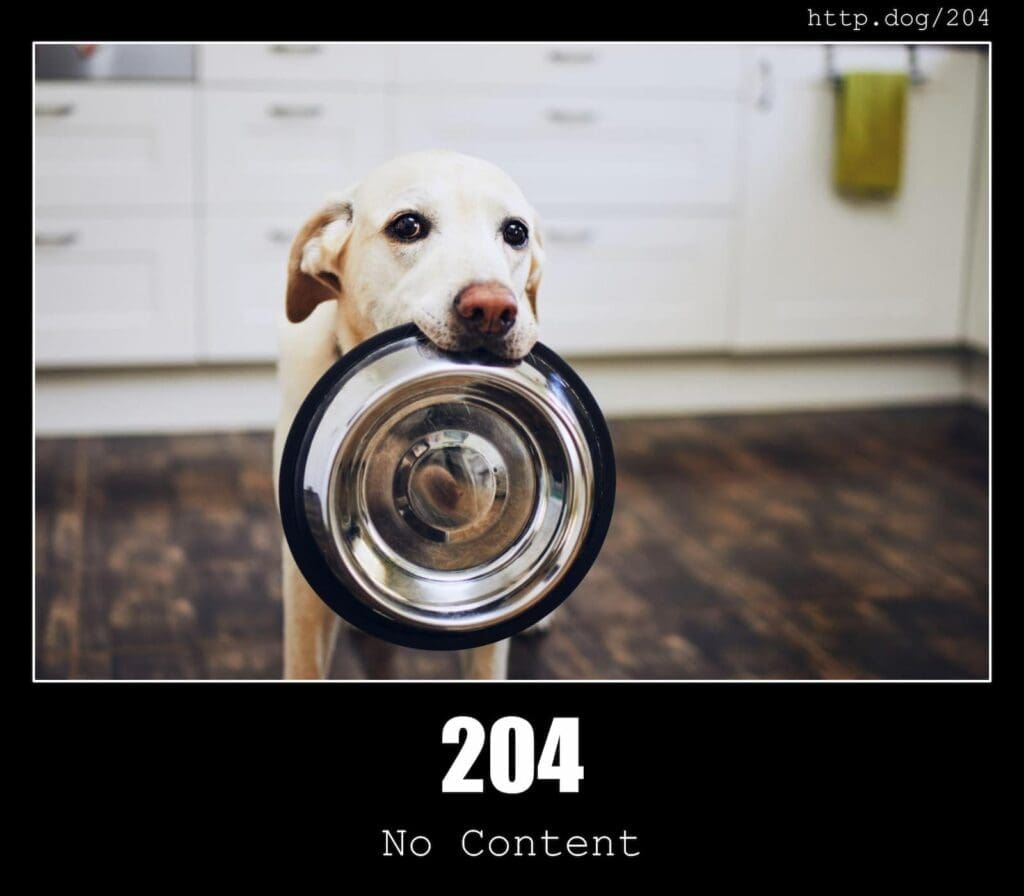
http 300+ means that further action from you is probably required. This is normally a redirect to a new page.

http 400+ uhoh, client error, the site or page couldnt be found. Or its a “you” problem.

http 500+ this is a server error, you have done no wrong, but the server has the problem.

For a full list of codes, with cats, doggos, or just a nice, simple list, click the links and take a peak and then you will be an expert in coding in no time. At least in the language of HTTP codes. Stick that on your C.V. right away.
Did you know that Yellow Cherry are just a support ticket away if you need help with errors, coding or any other technical support? Get in touch today!