
How Plugins Can Help Monitise Your Website
Plugins have long played a key part in content creation and web browsing.
They allow your website to do more. If your website has been built on WordPress there are lots of plugins that you can add to make it more efficient. For example, if you want to add your social media channels to your website, you’ll need a plugin to support this.
In this blog we are going to look at the reasons why using plugins can help you. So, let’s jump in!
What Are Plugins?
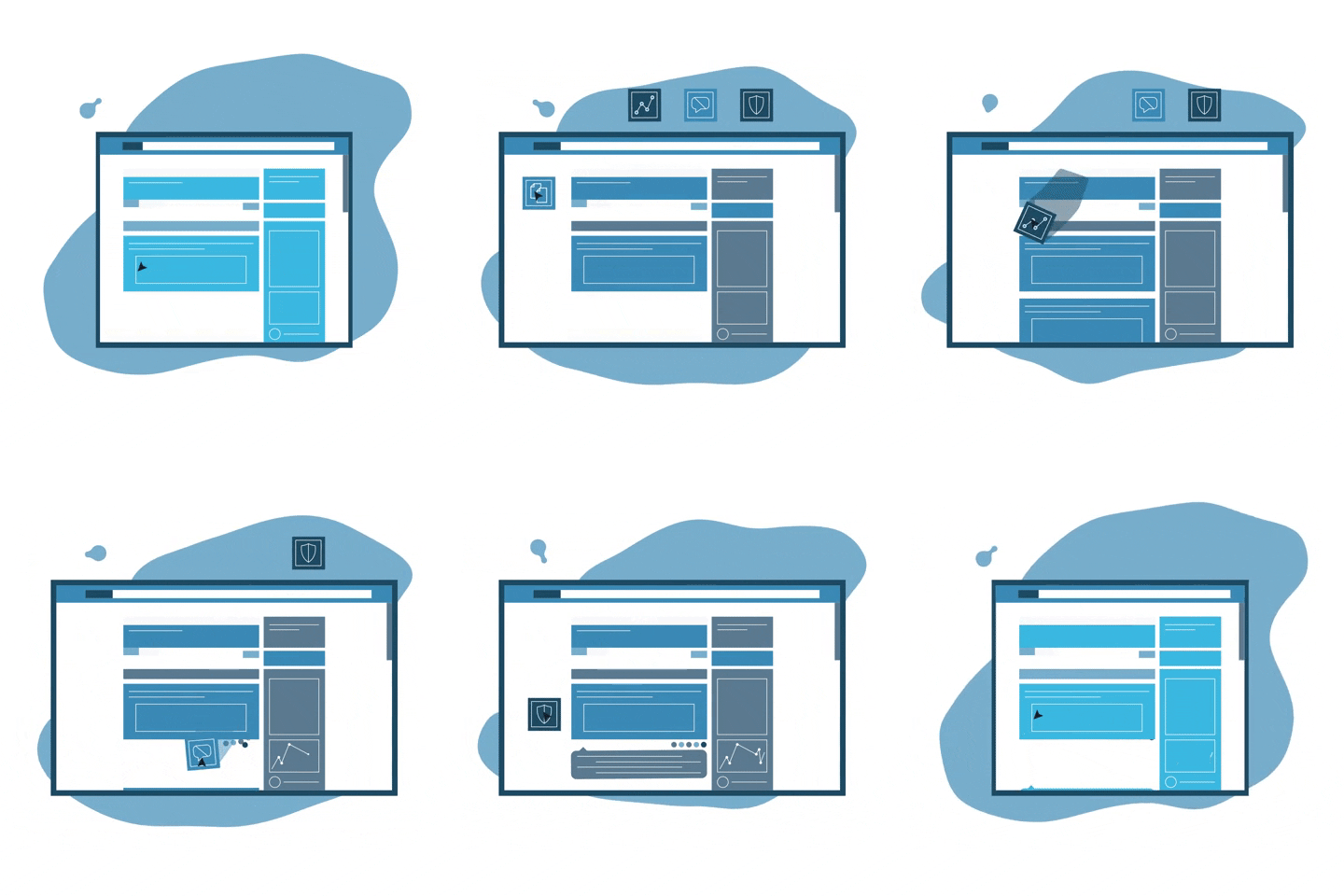
Plugins are pieces of software that allow your websites to perform a range of functions like playing videos, facilitating bookings, processing payments, improving security, monetising advertisements… the list goes on! They can also be customised by Developers to fit your exact needs.
Here at Yellow Cherry, we have the skills and experience required to make plugins work for you. We even have bespoke monthly packages that cover maintenance and continuous improvement of your website’s SEO. This means you can breathe a sigh of relief knowing your website is consistently performing well across search engines.
What Plugins Should I Use?
 The good news is that you can use as many as you like!
The only limitation comes when too many plugins start slowing down your website. This is to be avoided as slow loading times are likely to result in your customers leaving your website and not returning. Pingdom suggests that a website should take no more than 2 seconds to load.
As for what plugins, this is entirely up to you and the type of business you operate. These factors will influence which ones are better suited to your needs. Instead, think about what features your website could benefit from and go from there.
If you’re not sure which plugins are best, don’t fret! Just click here to fill out a contact form and one of our developers will get back to you on the best course of action.
Plugins That Monetise Your Website
If you’re thinking about advertising your products/services, it may be worth considering which plugins can help you with ad placement and revenue. We’ve gathered our top picks with a short description to help guide you:
- WordPress Ad Widget – this user-friendly widget allows you to place an ad wherever you like on your website as you’ll have seen from the short demo. It’s great for beginners as you just need to go to the widget section on WordPress and click on the type of ad you want to create. Take note that if you have an ad-blocker installed this will prevent the widget from working.
- AdRotate – if you are more interested in easy-to-use dashboards then this plugin might be best. It allows you to edit, delete and preview your ads from your dashboard. The plugin allows you to schedule when your ads expire and there’s even a feature that allows you to receive notifications when your ads are due to expire allowing you to keep on top of these.
- AdSanity – another beginner-friendly plugin that allows you to create, schedule, and view statistics for your ads. The difference here is that you have a visual editor which helps you see what your ads look like as you create them.
- AdInserter – this plugin is ideal if you use Adsense and Google Ads Manager due to its compatibility with these platforms. It also allows you to decide where you do and don’t want your ads to show. Some other useful features of this plugin are ad rotation, A/B testing, and adblock detection.
- Insert Post Ads – if automation is what you’re after then this plugin is a good choice. This plugin allows you to automatically insert ads within your posts on WordPress. According to them, in post ads receive the best Click Through Rate (CTR). What’s not to like about that?
- Ads Pro Plugin – if you’re looking for something more advanced then this plugin is for you. It provides you with over 25 ad templates and offers 20+ ways that you can display your ads on your website along with 30+ advertising options. Another benefit to this plugin is that on the backend you can see which ads are live on your website, you can track important metrics such as Click-Through Rates (CTR) and Impressions and you can see how much money your ads are generating.
There’re obviously many more plugins out there but that’s just a handful of some of the most popular and user-friendly ones. The key takeaway is that plugins are there to make your life easier and keep down custom development costs. Consult with us today to identify the ones that will best suit your needs and what you are trying to achieve with your website.
An Important Note
One thing we recommend to all businesses no matter how big or small, is to ensure security plugins are installed into your website as these can prevent hackers from being able to guess passwords and access confidential data. For further information on how to keep your account safe and protected check out our blog here.